Crop image into a circle online
Use this free round photo cropper to make a circular PNG, crop a profile picture into a circle, or create a round image for LinkedIn, Instagram, WhatsApp and other avatars.


Choose a JPG, PNG, WebP, GIF or BMP image from your device. The round photo cropper runs directly in your browser.
Move and resize the crop area to crop your profile picture into a circle. Use the plain circle first, then add a circular frame only if you want one.
Make a circular PNG with transparent background or save a JPG for LinkedIn, Instagram, WhatsApp, avatars, websites and social posts.
Use this free round photo cropper to make a circular PNG, crop a profile picture into a circle, or create a round image for LinkedIn, Instagram, WhatsApp and other avatars.
Use this circle crop image online tool when you need to crop an image into a circle without opening a complex photo editor. Upload a photo, move the circular crop area over the face, logo or subject, then download the round image as a PNG or JPG.
The round photo cropper is designed for one clear task: make image round for profile pictures, avatars, team pages, testimonials, logos and social media posts. The basic circular crop comes first; decorative frames are optional.
1. Upload image
Upload or drag a JPG, PNG, WebP, GIF or BMP image into the cropper. Your photo is processed directly in your browser.
2. Adjust circular crop
Move and resize the circle crop area to crop photo into a circle. Center the face, product or logo before downloading.
3. Download PNG/JPG
Download a circular PNG with transparent background or save a JPG for round profile pictures and social posts.
After cropping, download your round image as a PNG file with transparent corners. This makes it easy to use the circular photo on social media profiles, websites, resumes, presentations and design projects.
A circular PNG is useful when you do not want a square background around the photo. The transparent background keeps only the round part of the image visible, so the result looks clean on light, dark or colorful layouts.
Circle cropped images work best when the subject needs to look clean, centered and consistent across profiles, cards and website sections.
Create a round profile picture for LinkedIn, Instagram, Facebook, WhatsApp, TikTok, X and other platforms. Keep the face centered inside the circle for a clearer avatar.
Crop employee headshots into consistent circles for company websites, staff pages and portfolio layouts.
Turn a logo or brand mark into a clean circular image for websites, apps and social profiles. Leave enough space around the logo so it does not touch the edge.
Use circular customer photos in testimonials, reviews and landing pages for a cleaner layout and more consistent visual rhythm.
A good circle crop image starts with a clear subject and enough spacing around the important details.
For profile pictures, keep the face centered inside the circular crop area with enough space around the head.
The corners of the original image will be removed, so keep logos, text and faces away from the edges.
A larger source image gives a cleaner round photo after cropping and resizing, especially for profile pictures shown on large screens.
Square photos are easier to crop into a circle because less of the image is removed. If your image is wide or tall, crop the subject tightly first.
Start with the plain circle crop when you need a clean avatar or circular PNG. If your design needs a decorative edge, choose an optional circular frame after cropping.
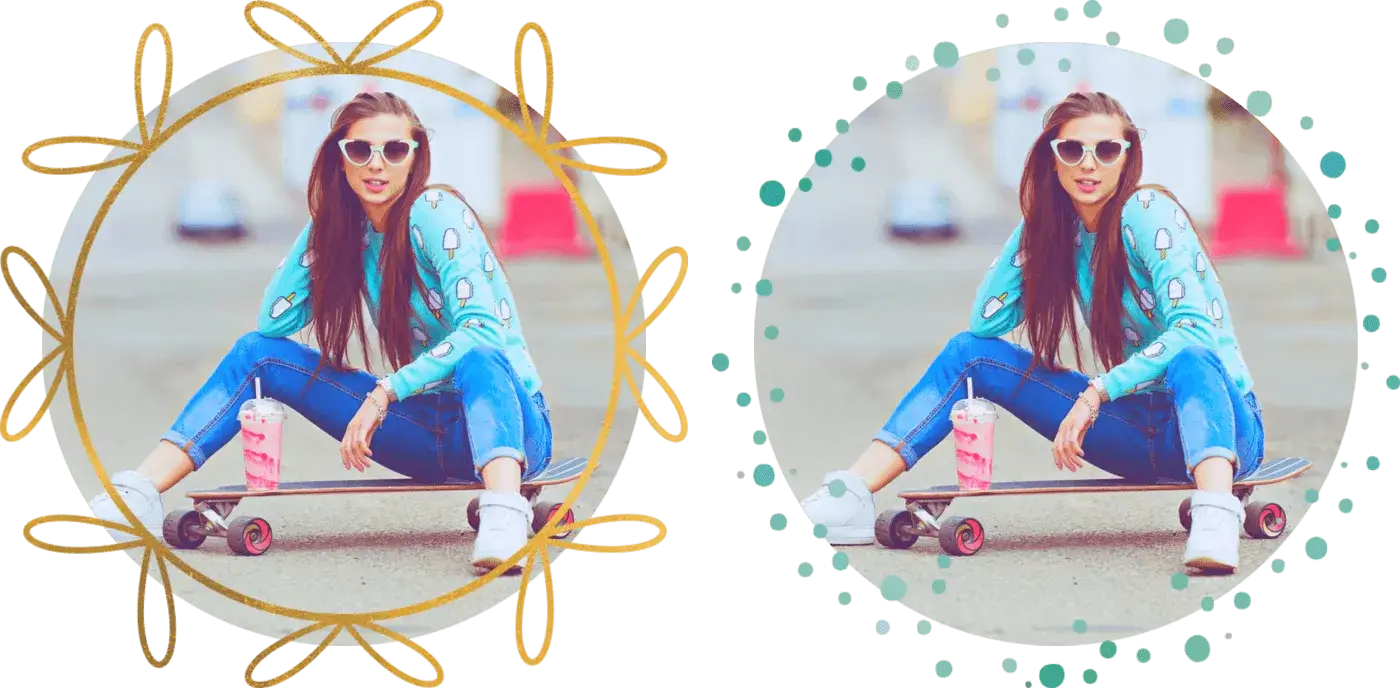
The tool is focused on fast circular cropping, privacy and clean exports.
Crop JPG, JPEG, PNG, WebP, GIF and BMP images into a circle. The result can be saved as a round PNG or JPG.
Your image is processed in your browser. You can crop profile picture into a circle without uploading the photo to our server.
Use the circle crop image online tool for free with no registration, no watermark and no complicated editor.
Need a circular profile picture for Instagram, Facebook, WhatsApp, TikTok, X or Pinterest? See the social media profile picture cropper guide for platform-specific avatar tips.
Upload your image, adjust the circular crop area, click Crop, and download the result as a circular PNG or JPG.
Use the round photo cropper to center your face or logo inside the circle, then download the image for social media profiles and avatars.
Yes. The circle crop image online tool works in modern mobile browsers, so you can upload, crop and download from your phone.
Yes. The circular crop can be downloaded as a PNG with transparent corners, so only the round part of your image remains visible.
No. Your image is processed in your browser, which keeps the photo on your device while you make the circular crop.
You can crop JPG, JPEG, PNG, WebP, GIF and BMP images into a circle.
Yes. The downloaded round profile picture works well for Instagram, Facebook, LinkedIn, WhatsApp, TikTok, X and other platforms.